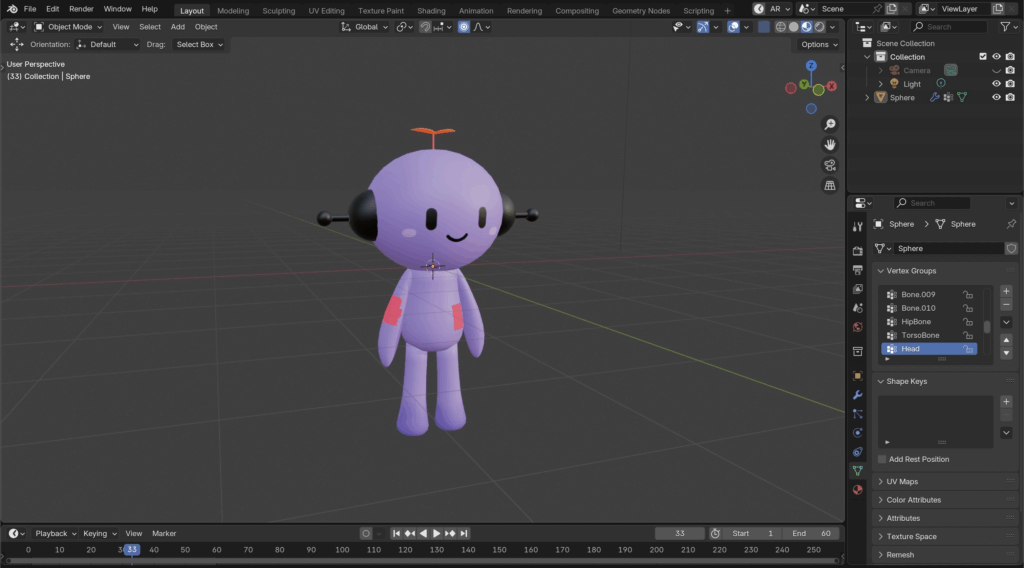
What Is Face Orientation?
Every face in a 3D mesh has a normal direction, which defines its “front” side. Blender uses this to determine how light interacts with it, whether it should be rendered, and how textures are mapped.
- Front side (normal): Considered the correct side of the face.
- Back side: Considered the inside or wrong side—can cause issues if facing outwards. Usually appears in Red.
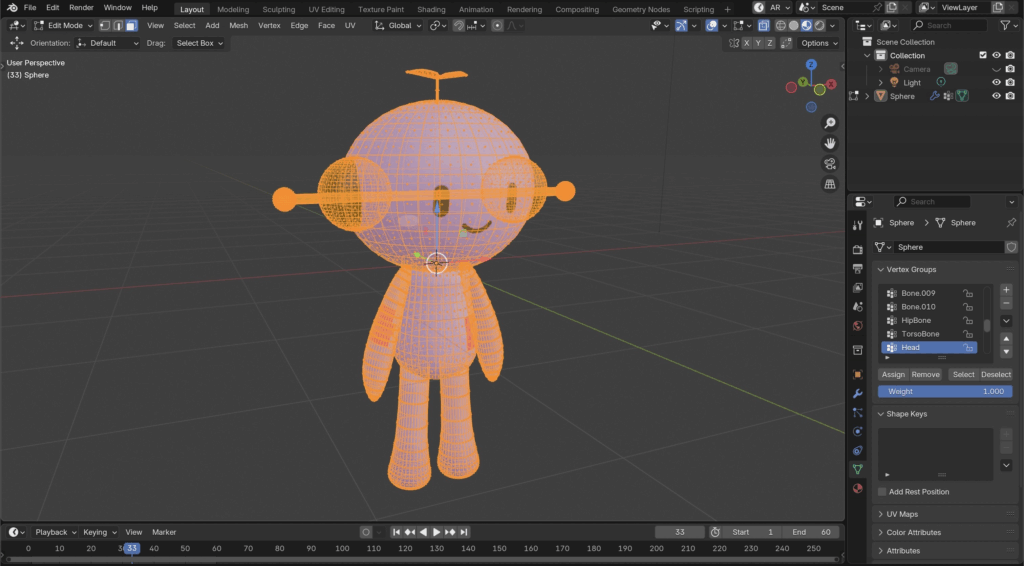
Step 1: Go into Edit Mode and Select your entire mesh by pressing A, you’ll know when everything is selected when your 3D model turns orange.
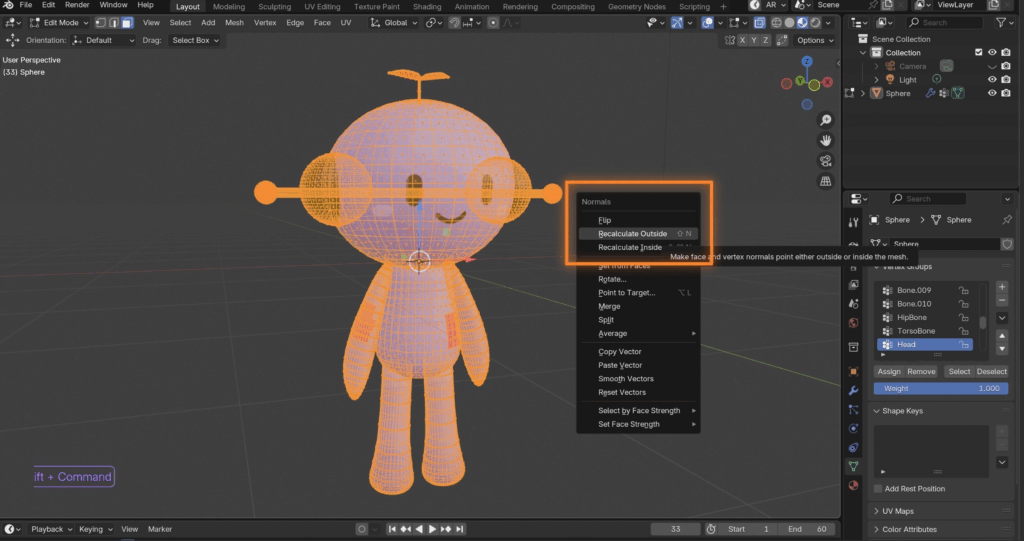
Step 2: Now Press Option + N (Mac) or Alt + N (Windows) to open up the Normals Panel and click Recalculated Outside
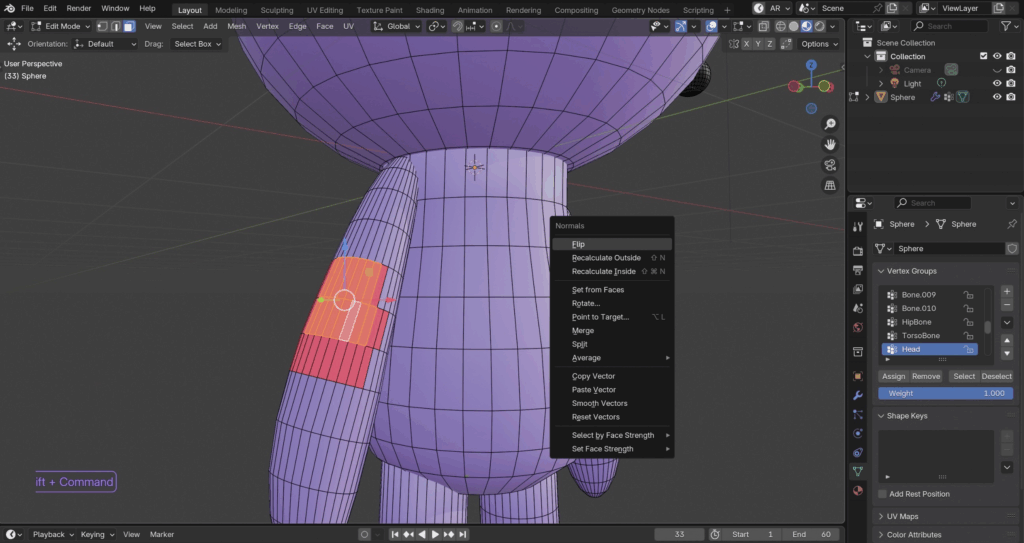
Alternatively, You can flip normals manually by selecting the faces and then pressing Option + N (Mac) or Alt + N (Windows) and clicking Flip